
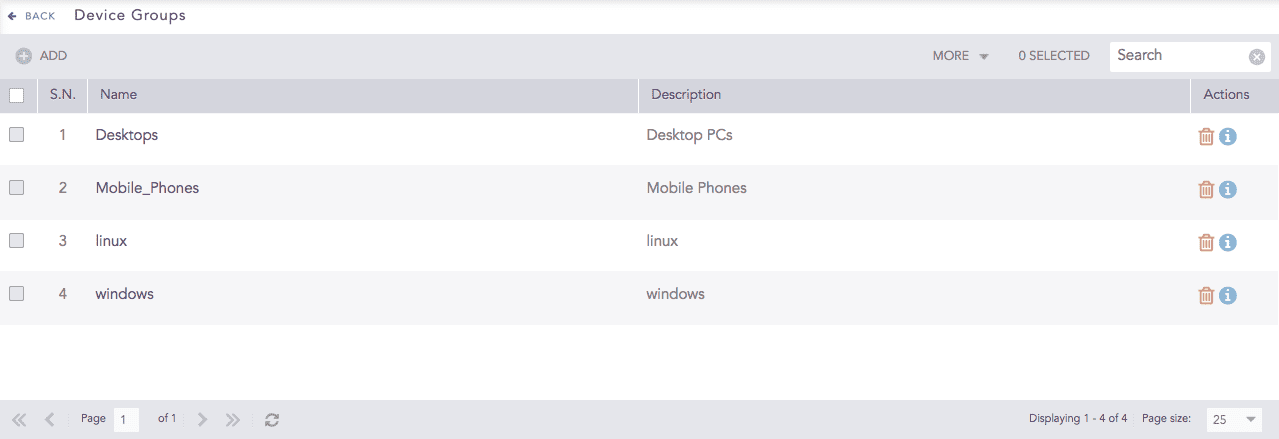
Device Groups are collections of log forwarding devices. You can associate a single device to multiple device groups. To view details of each device group, click the Details icon under Actions. You can use the device groups to make searches using the in command. To look for the log messages from the devices in the device group linux, use the query device_ip in DG_LINUX.
Device Groups
Go to Settings >> Configuration from the navigation bar and click Device Groups.
Device Groups
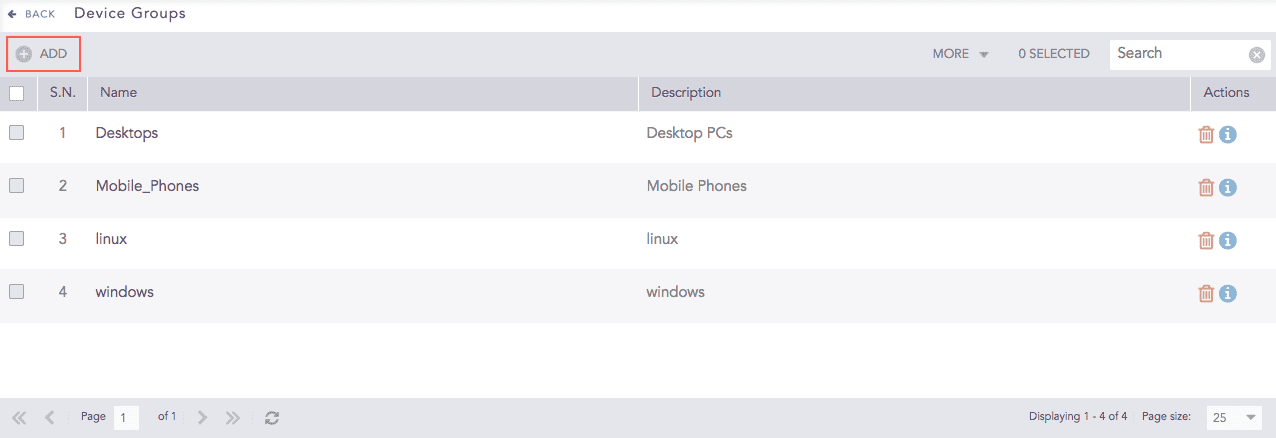
Click ADD.
Addition of a Device Groups
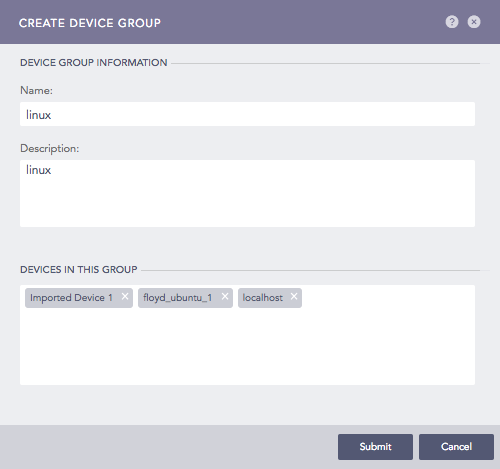
Provide a Name and Description.
Add devices in DEVICES IN THIS GROUP.
Click Submit.
Go to Settings >> Configuration from the navigation bar and click Device Groups.
Click the Name of the required device group.

Device Groups
Update the information.
Click Submit.
To delete a device group, make sure that the group is empty and it does not have any devices associated with it.
Go to Settings >> Configuration from the navigation bar and click Device Groups.
Click the Delete icon under Actions.

Device Groups
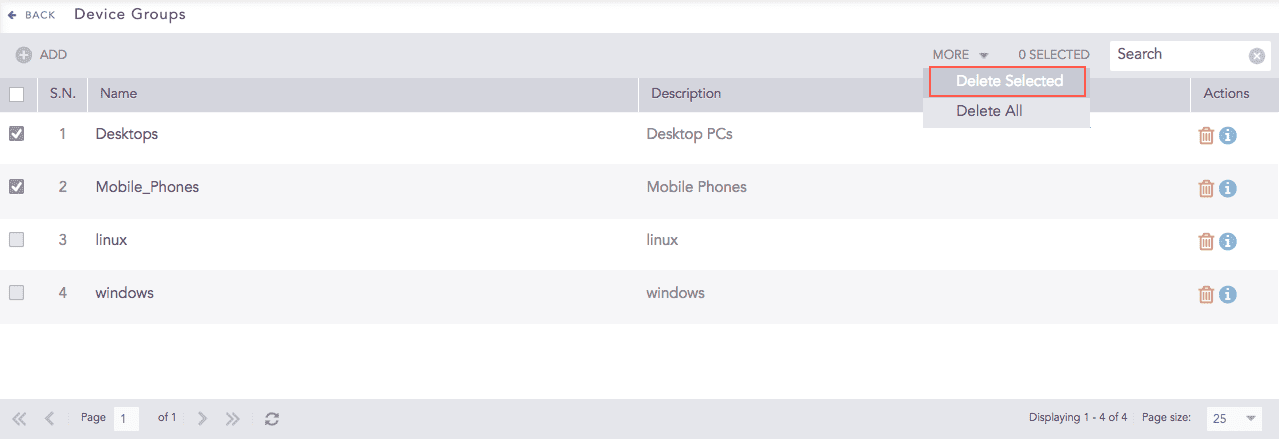
To delete multiple device groups, select the groups. Click More and choose Delete Selected.
Device Groups
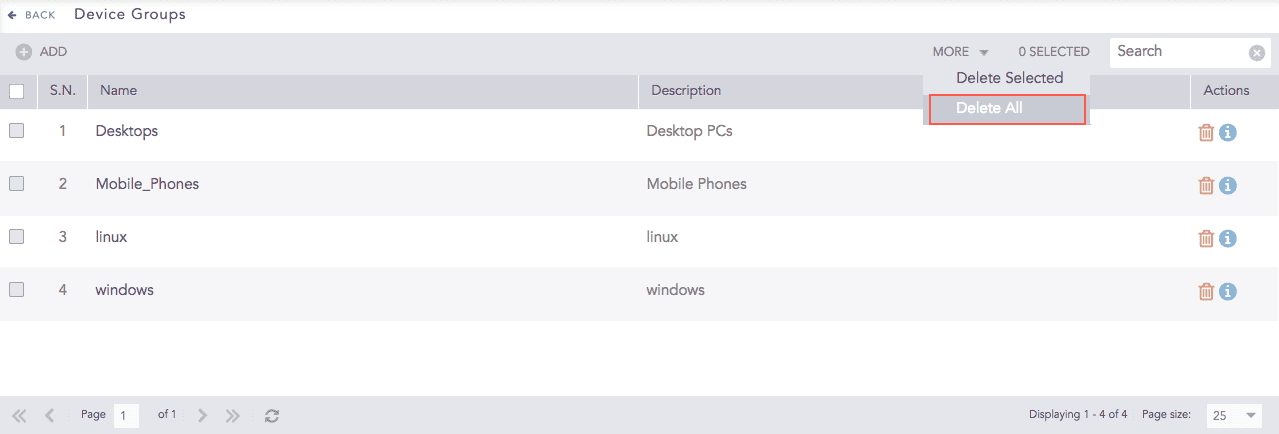
To delete all the device groups, click More and select Delete All.
Device Groups
Click Yes to confirm deletion.